
Call of Duty Mobile Beginner Guide (2025): How to Play Better and Rank Up Faster. This COD Mobile Beginner Guide is here to assist you.
Starting Call of Duty Mobile for the first time can feel overwhelming. However, with the right approach, learning the basics becomes much easier. That’s why this COD Mobile Beginner Guide was created—to help new players understand the game, improve their skills, and progress faster.
At MrPlayer, we tested COD Mobile on different devices. As a result, this COD Mobile Beginner Guide focuses on practical tips that actually help beginners play with confidence.
🧠 What Is Call of Duty Mobile?
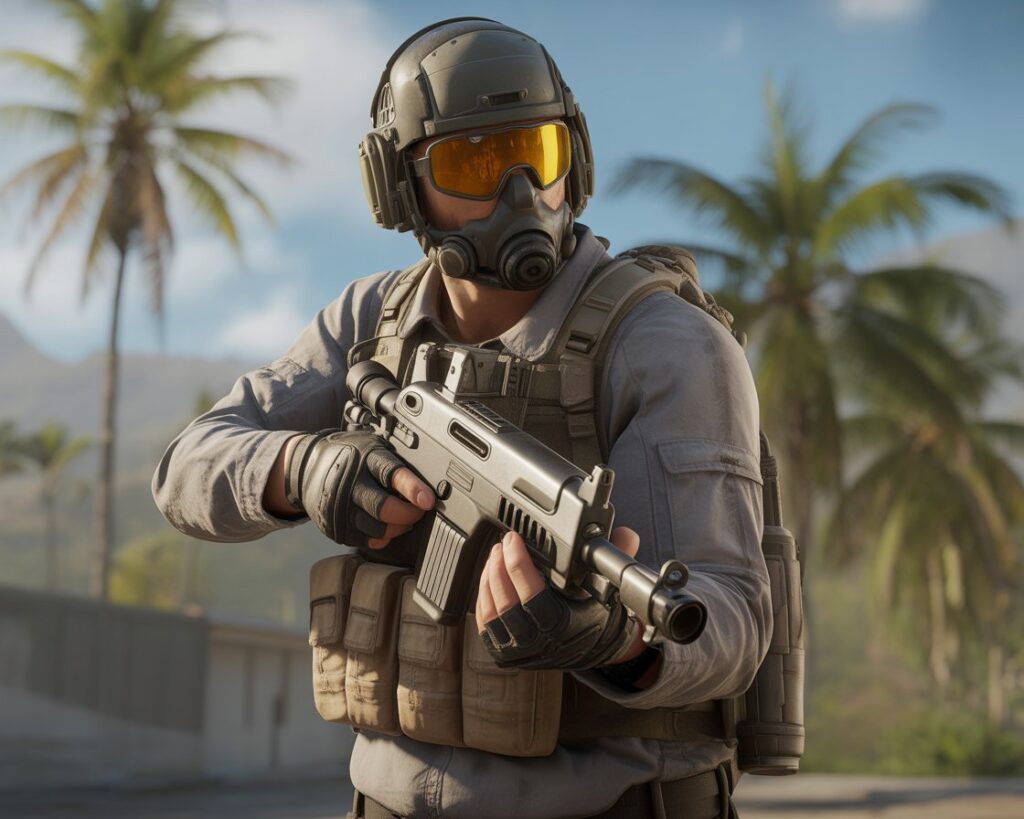
Call of Duty Mobile is a competitive mobile shooter. In simple terms, it offers fast multiplayer matches, ranked progression, and a Battle Royale mode. Additionally, seasonal events and challenges keep the gameplay fresh.
Because of its popularity, the game has a large player base in the United States, United Kingdom, Canada, and Australia.
🎮 COD Mobile Controls Explained for Beginners
Understanding controls is essential. First, new players should learn the default layout before changing anything.
📱 Basic Control Layout
- Left joystick: Character movement
- Right screen area: Aiming and firing
- Jump and slide buttons: Movement actions
- Reload button: Weapon reload
Once you’re comfortable, small adjustments can be made for better control.
🚀 How to Rank Up Faster in COD Mobile
While COD Mobile has ranked modes, ranking up is not only about kills. Instead, success depends on positioning, awareness, and teamwork.
✅ 1. Practice in Multiplayer Matches
Before entering ranked mode, spend time in standard multiplayer games. This way, you can:
- Learn common maps
- Understand weapon recoil
- Improve reaction time
Over time, this practice builds confidence and consistency.
✅ 2. Choose Beginner-Friendly Weapons
Not all weapons feel the same. For this reason, beginners should start with stable guns.
Recommended starter weapons include:
- M4
- AK117
- RUS-79U
As a result, aiming becomes easier during close fights.
✅ 3. Fine-Tune Sensitivity Gradually
Sensitivity settings play a major role. Rather than making big changes, adjust values slowly. Then, test them in practice mode.
In the long run, balanced sensitivity improves accuracy and movement control.
💡 Essential COD Mobile Tips for New Players
🔹 Focus on Objectives, Not Just Kills
Many beginners chase eliminations. However, winning depends on objectives. For example, capturing zones and defending teammates often matter more.
Because of this, objective-focused players usually rank up faster.
🔹 Use Scorestreaks Strategically
Scorestreaks can change the flow of a match. Therefore, saving them for key moments is important. Otherwise, they may be wasted.
🔹 Pay Attention to Audio Cues
Sound plays a big role in COD Mobile. With headphones, you can hear footsteps and gunfire clearly. As a result, reaction time improves.
❌ Beginner Mistakes to Avoid in COD Mobile
New players often struggle at first. For instance, some sprint without cover, while others ignore the minimap. In addition, entering ranked matches too early can be frustrating.
By avoiding these mistakes, overall performance improves quickly.
⭐ Best COD Mobile Modes for Beginners
Some modes are easier to learn. To begin with, try:
- Team Deathmatch
- Domination
- Frontline
These modes help, because they teach map awareness and basic combat skills.
🏁 Final Thoughts
Learning COD Mobile takes time. Nevertheless, steady practice and smart decisions make a big difference. If you stay patient, improvement will come naturally.
For more mobile game guides and walkthroughs, including a detailed COD Mobile Beginner Guide, explore other beginner articles on MrPlayer.xyz. Meanwhile, keep practicing and enjoy the game.






2 Comments