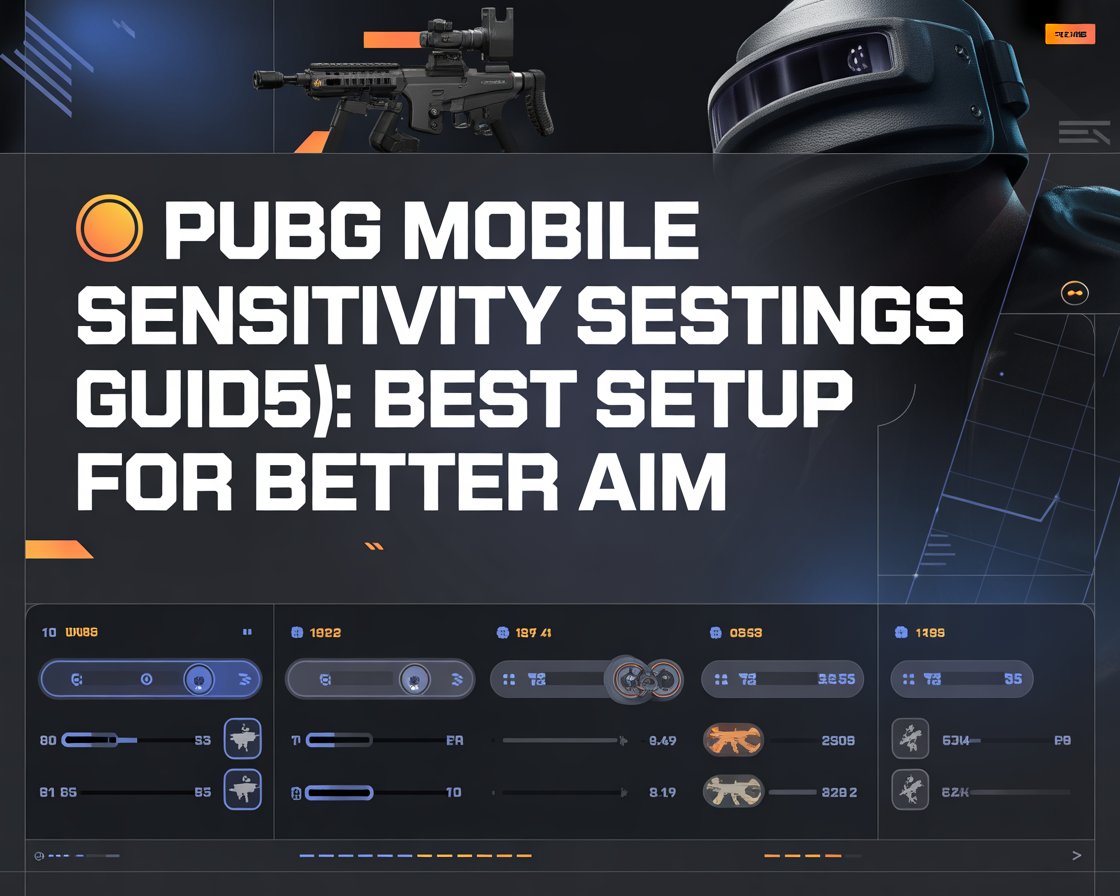
PUBG Mobile sensitivity settings guide
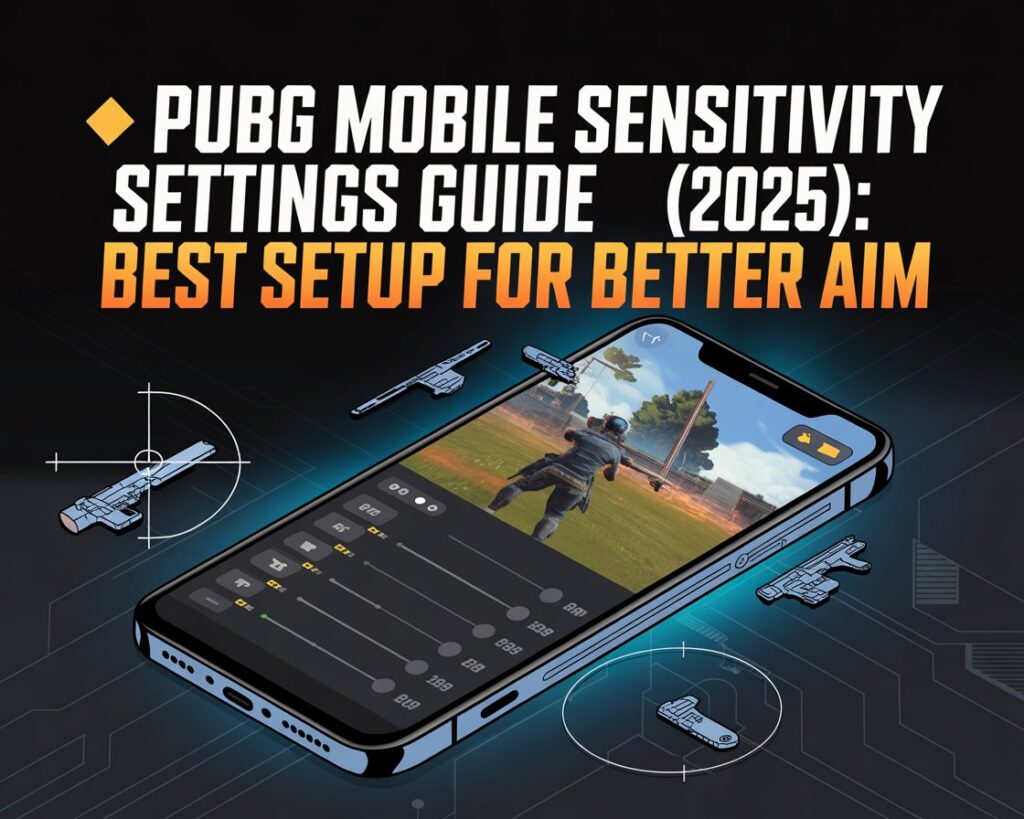
This PUBG Mobile sensitivity settings guide is designed for players who want better aim and smoother recoil control. Although PUBG Mobile focuses heavily on strategy, proper sensitivity settings can dramatically improve shooting accuracy. Therefore, understanding and adjusting these settings correctly is essential for beginners and casual players.
At MrPlayer, we publish simple and practical mobile game guides to help players improve without confusion.
🧠 Why Sensitivity Settings Matter in PUBG Mobile
PUBG Mobile uses realistic gun mechanics. Because of this, incorrect sensitivity often causes shaky aim and missed shots. However, when sensitivity is balanced, recoil control becomes easier and aiming feels natural, which is central to our PUBG Mobile sensitivity settings guide.
As a result, players win more gunfights and survive longer.
🎮 Best PUBG Mobile Sensitivity Settings for Beginners
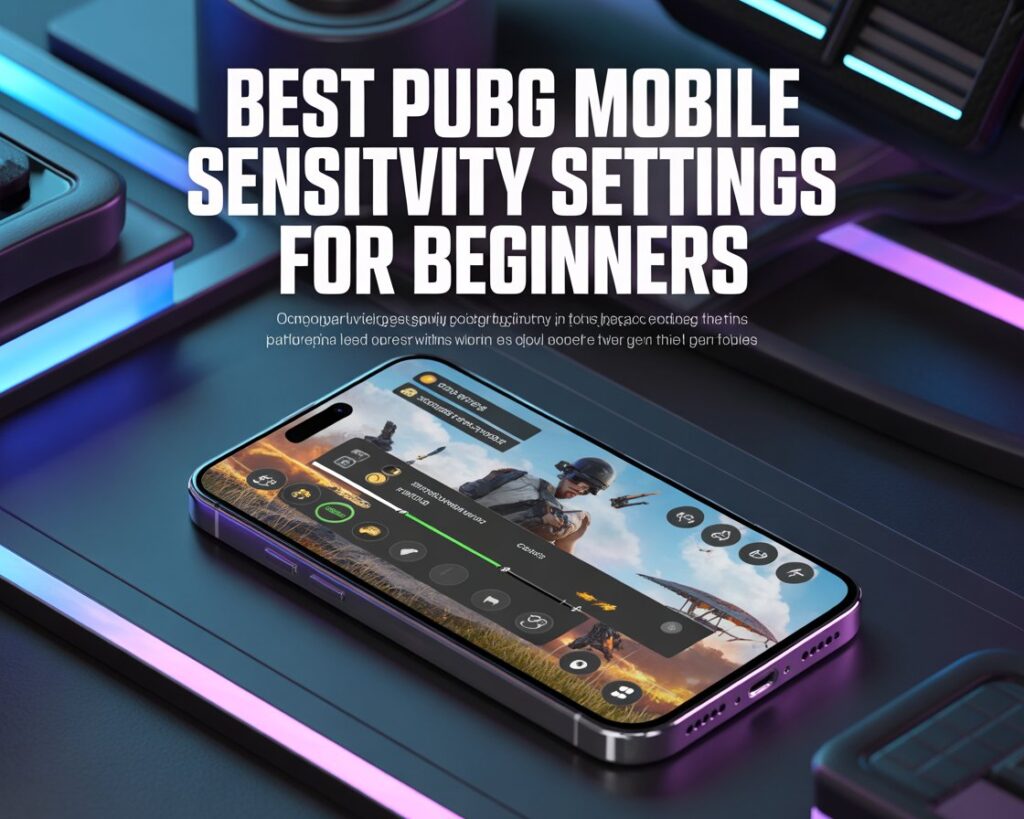
🔹 Camera Sensitivity (Free Look)
First of all, camera sensitivity controls how fast you look around without firing. When reading this guide, notice how each sensitivity setting is adjusted.
Recommended beginner values:
- 3rd Person No Scope: 120%
- 1st Person No Scope: 120%
- Red Dot / Holographic: 100%
These values allow quick reactions while maintaining control.
🔹 ADS Sensitivity (Recoil Control)
ADS sensitivity is the most important setting for controlling spray. Therefore, it should be adjusted carefully in accordance with our sensitivity settings guide for PUBG Mobile.
Suggested ADS values:
- Red Dot / Holo: 90%
- 3x Scope: 70%
- 4x Scope: 60%
- 6x Scope: 50%
As a result, long sprays become more manageable.
🔹 Gyroscope Sensitivity (Optional)
If your device supports a gyroscope, enable it gradually. However, beginners should start with low values. Many professional players use gyro for recoil control, as demonstrated in the PUBG Mobile sensitivity settings guide.
💡 Tips to Improve Aim Faster
Even with perfect sensitivity, practice is still required. Therefore:
- Test settings in Training Grounds
- Adjust values slowly
- Avoid copying pro settings exactly
Since every device behaves differently, personal tuning works best based on the advice in the PUBG Mobile guide.
❌ Common Sensitivity Mistakes to Avoid
Many players struggle because they:
- Change sensitivity too frequently
- Use extremely high values
- Skip practice mode
By avoiding these mistakes outlined in our PUBG Mobile guide, improvement becomes consistent.
🔗 Helpful Guides on MrPlayer
If you want to improve in other games, check out:
- Call of Duty Mobile Beginner Guide →
/cod-mobile-beginner-guide - Roblox Beginner Guide →
/roblox-beginner-guide - Beginner Game Guides →
/category/beginner-guides
🏁 Final Thoughts
This PUBG Mobile sensitivity settings guide shows that better aim comes from smart adjustments, not hacks or expensive devices. If you remain patient and practice regularly, your gameplay will improve naturally.
For more mobile game walkthroughs and beginner tips, visit MrPlayer.xyz regularly.