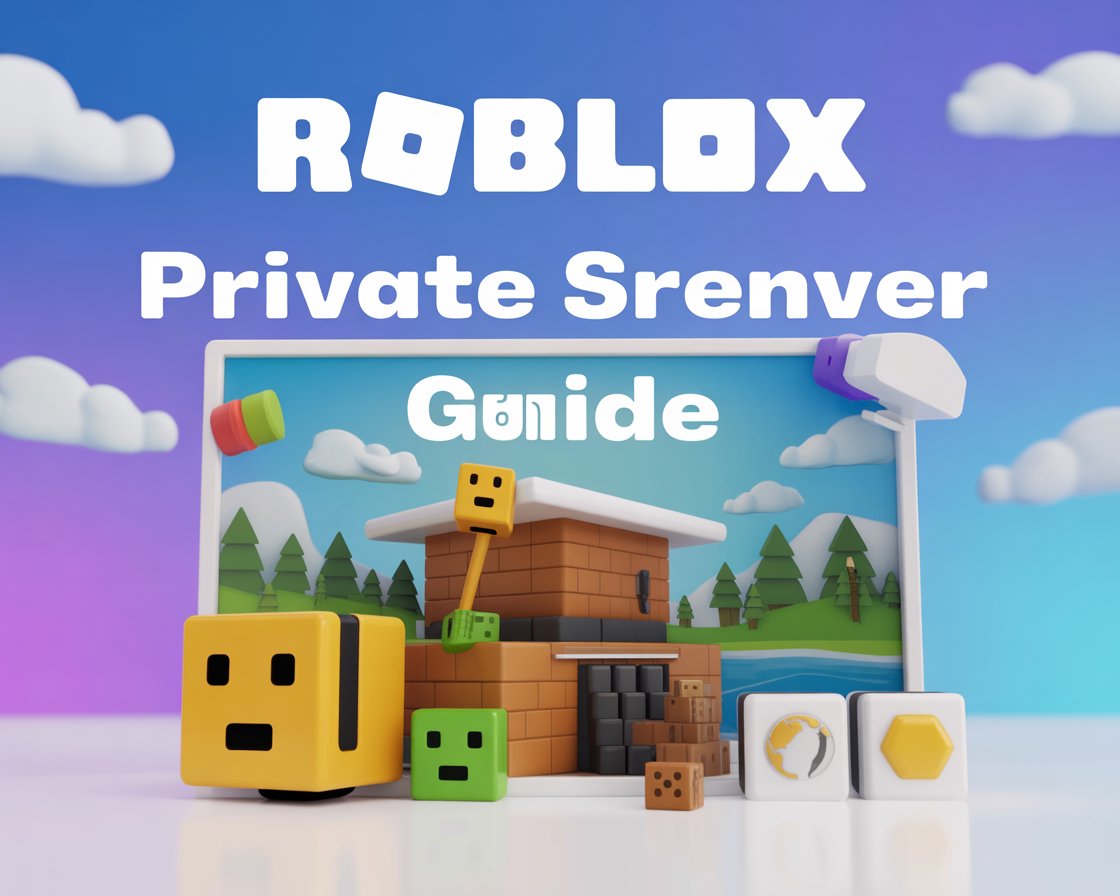
Roblox private server guide
This Roblox private server guide is made for players who want a quieter, more controlled gaming experience. While public Roblox servers are fun, they can sometimes feel crowded or chaotic. Therefore, private servers are a great option for playing with friends, testing gameplay, or learning new games at your own pace.
At MrPlayer, we simplify Roblox features so beginners can enjoy the platform without confusion.
🧠 What Is a Roblox Private Server?
A Roblox private server is a custom game server that only invited players can join. In other words, it allows you to control who plays with you. Additionally, many popular Roblox games offer private servers for a small monthly fee.
According to the official Roblox website, private servers are designed to give players more freedom and privacy (outbound link).
🚀 Benefits of Using a Private Server in Roblox
Private servers are popular because they offer several advantages.
For example:
- No random players joining
- Less lag in some games
- Easier practice for beginners
- Better experience with friends
As a result, many Roblox players prefer private servers over public ones.
🛠️ How to Create a Roblox Private Server

✅ Step 1: Choose a Supported Game
First, open the Roblox game you want to play. However, keep in mind that not all games support private servers.
✅ Step 2: Create the Server
Next:
- Scroll to the Private Servers section
- Click Create Private Server
- Name your server
- Pay the monthly Robux fee (if required)
Once completed, your server will be active immediately.
✅ Step 3: Invite Friends
After creating the server:
- Add friends via username
- Share the private server link
This way, only invited players can join.
🎮 How to Join a Roblox Private Server
If someone invites you:
- Click the private server link
- Open Roblox
- Join the game directly
Therefore, joining is quick and simple.
💡 Tips for Using Roblox Private Servers
To get the best experience:
- Use private servers for practice
- Test game mechanics safely
- Avoid sharing links publicly
If you’re new to Roblox, you should also read our Roblox Beginner Guide → /roblox-beginner-guide (internal link).
❌ Common Mistakes to Avoid
Many players make these mistakes:
- Buying private servers unnecessarily
- Forgetting monthly renewals
- Sharing links publicly
By avoiding these errors, you save Robux and enjoy better gameplay.
🔗 Helpful Guides on MrPlayer
You may also like:
- Call of Duty Mobile Beginner Guide →
/cod-mobile-beginner-guide - PUBG Mobile Sensitivity Settings Guide →
/pubg-mobile-sensitivity-settings - Beginner Game Guides →
/category/beginner-guides

🏁 Final Thoughts
This Roblox private server guide shows how easy it is to create and use private servers in 2025. If you enjoy playing with friends or want a stress-free environment, private servers are worth trying.
For more Roblox guides, mobile game tips, and walkthroughs, keep visiting MrPlayer.xyz.